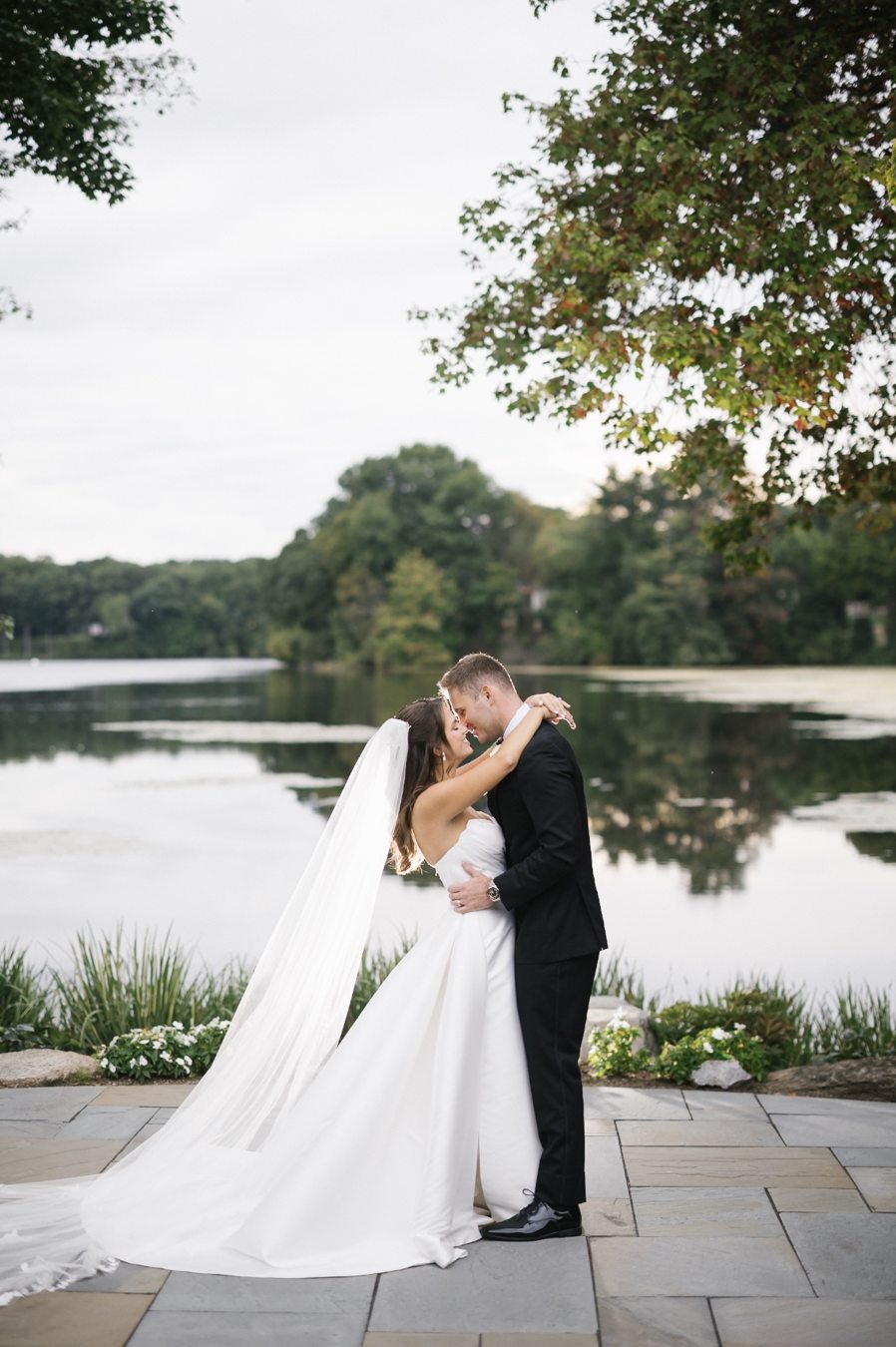
Choose a starting point for your wedding photographs. Try the presets on a frame from the scene, then adjust exposure and white balance to suit the light.
One wedding portrait, seven edits. Select a preset to compare.
Import into Lightroom Classic
In Develop, open the Presets panel. Click the plus sign, choose Import Presets and select the ZIP. The seven presets appear together under SOLONSKI Wedding Preset Kit.